
Studio-quality videos,
from one single tool.
Automate 80% of the work and clone your channels across every platform. RumLab turns audio into finished, studio-grade subtitled videos — in batches, with no editing skills.
Buy once · One PC · Unlimited renders
Subtitles animate to the voice — just like the real render
One tool — content for countless niches.
From audiobooks to personal branding — each niche its own automated video factory.
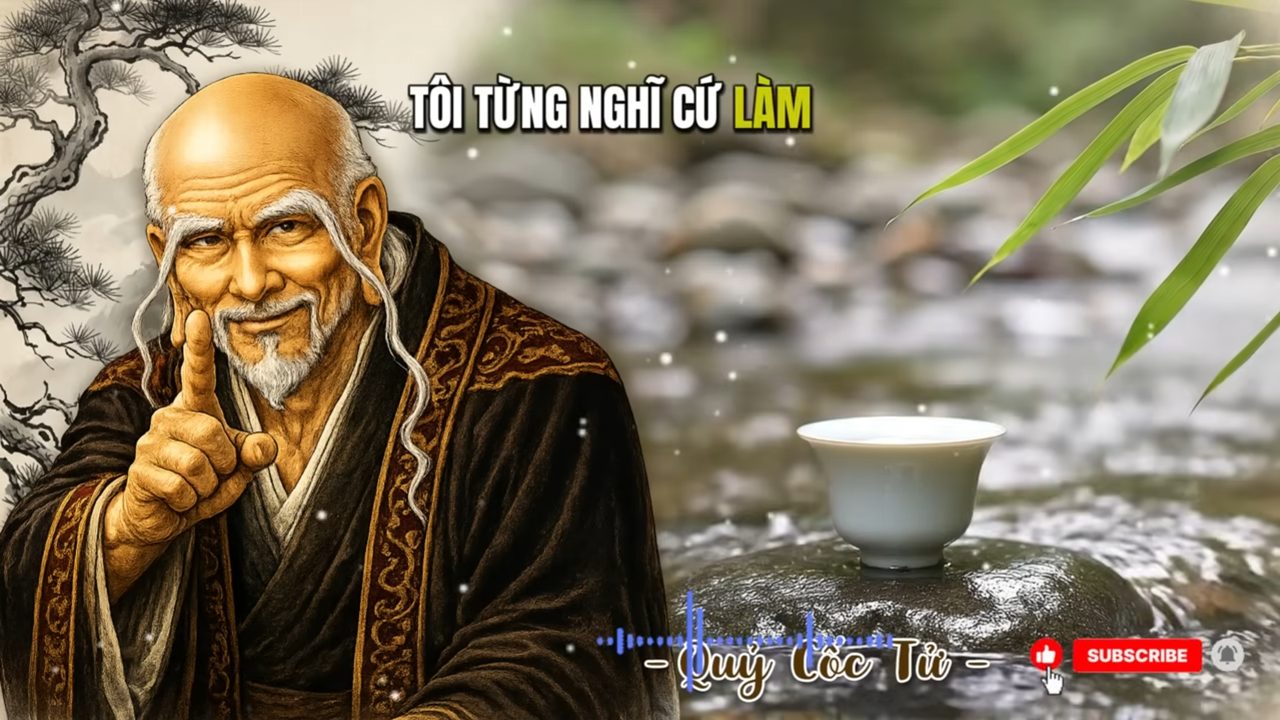
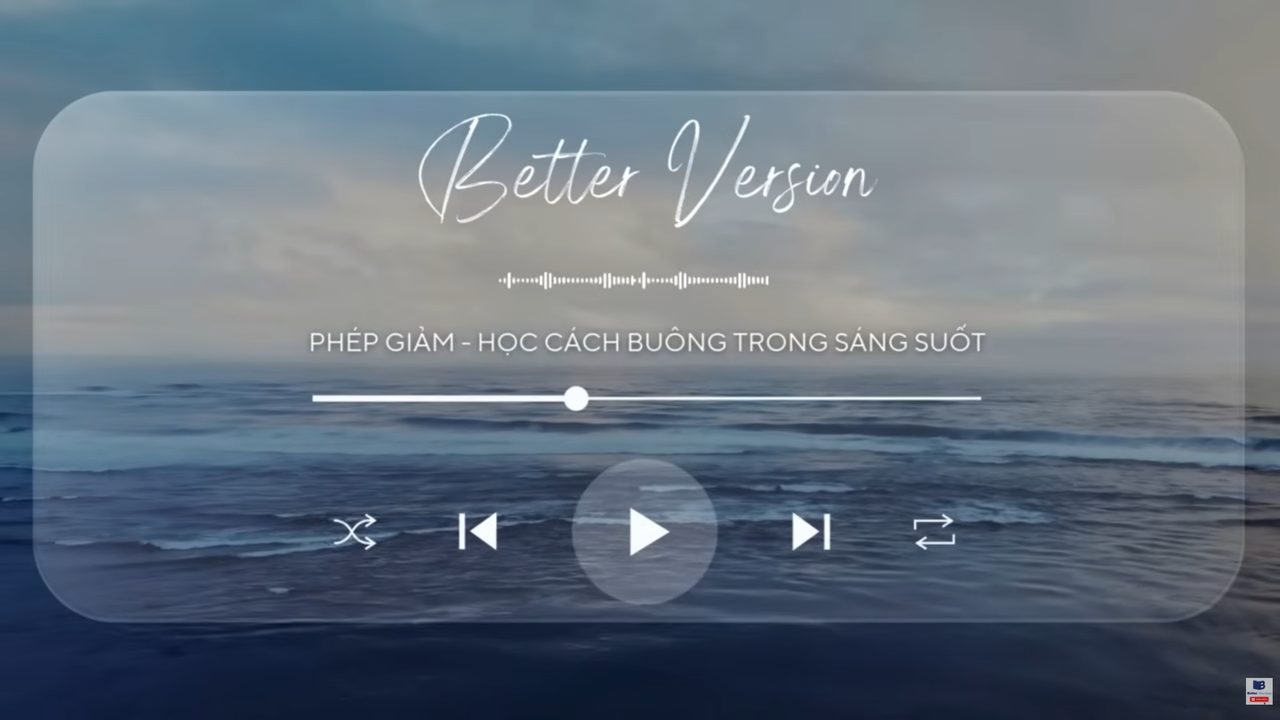
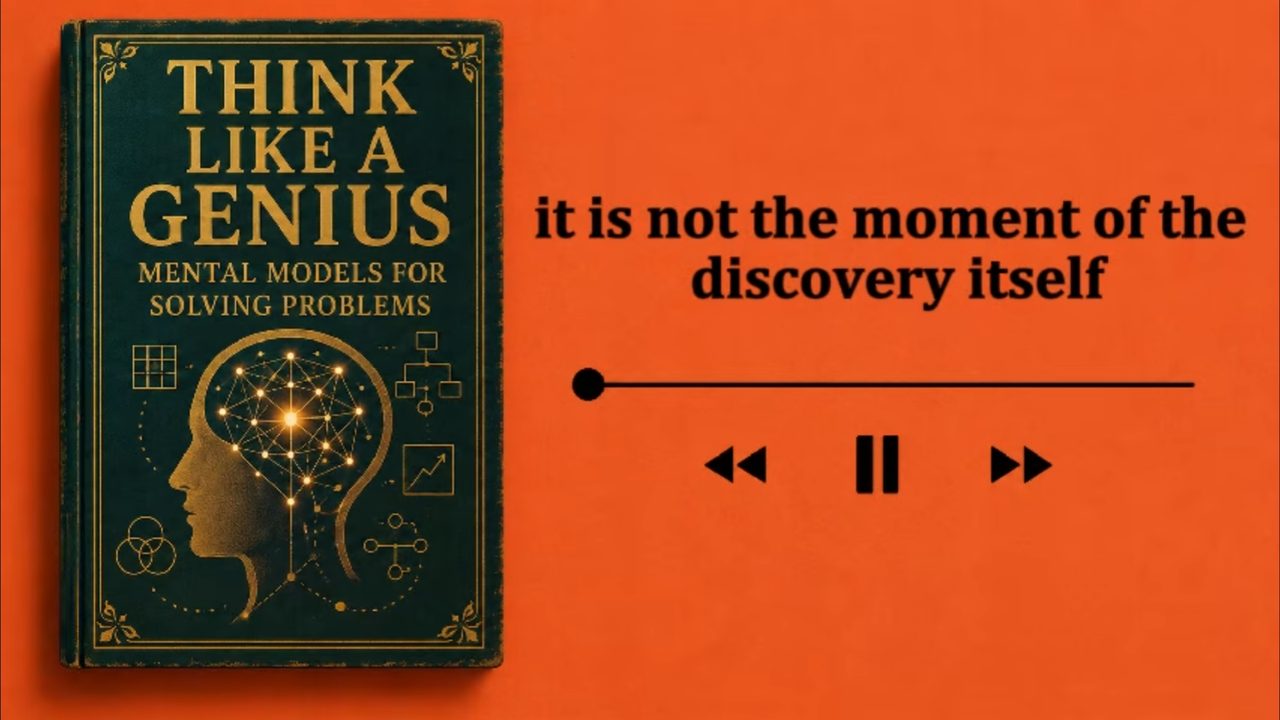
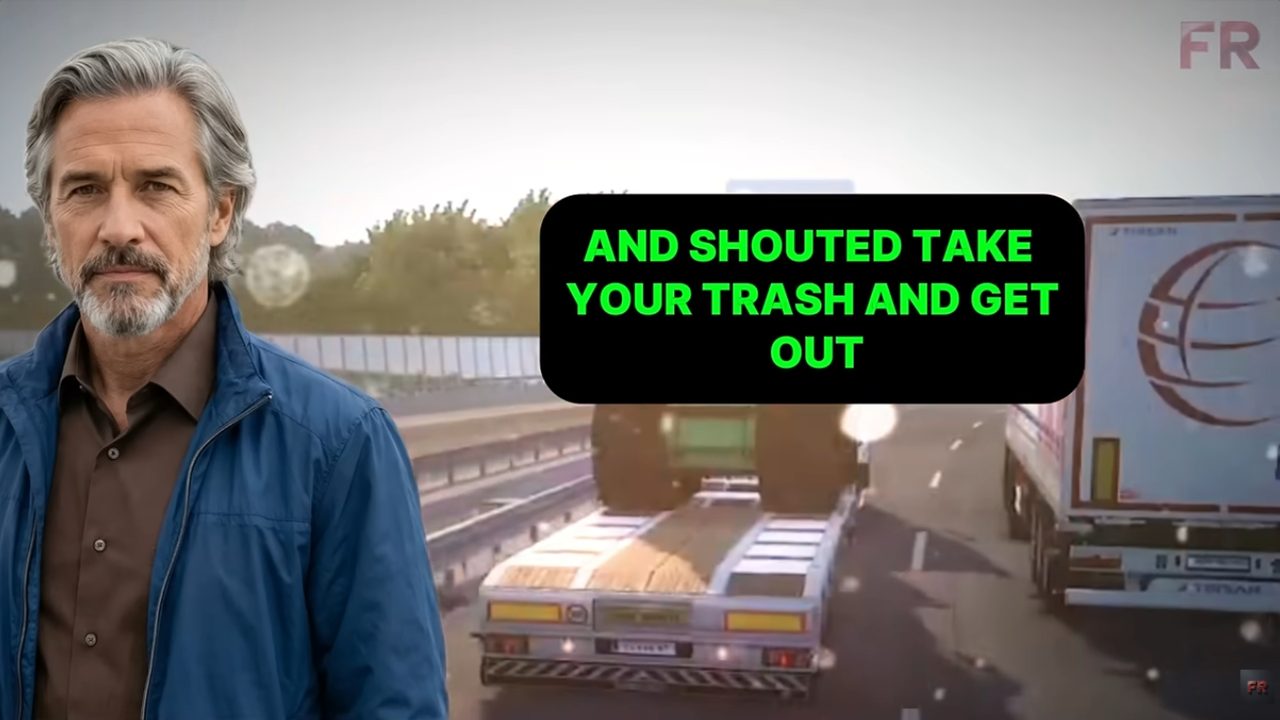
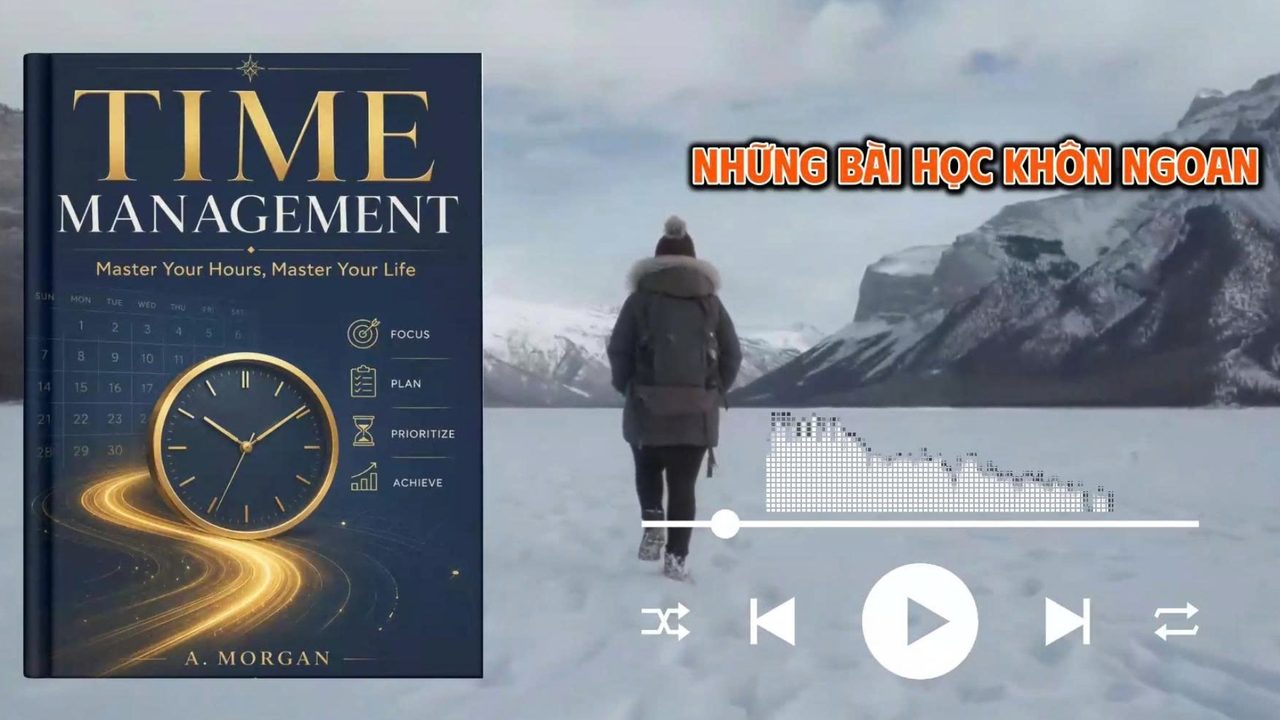

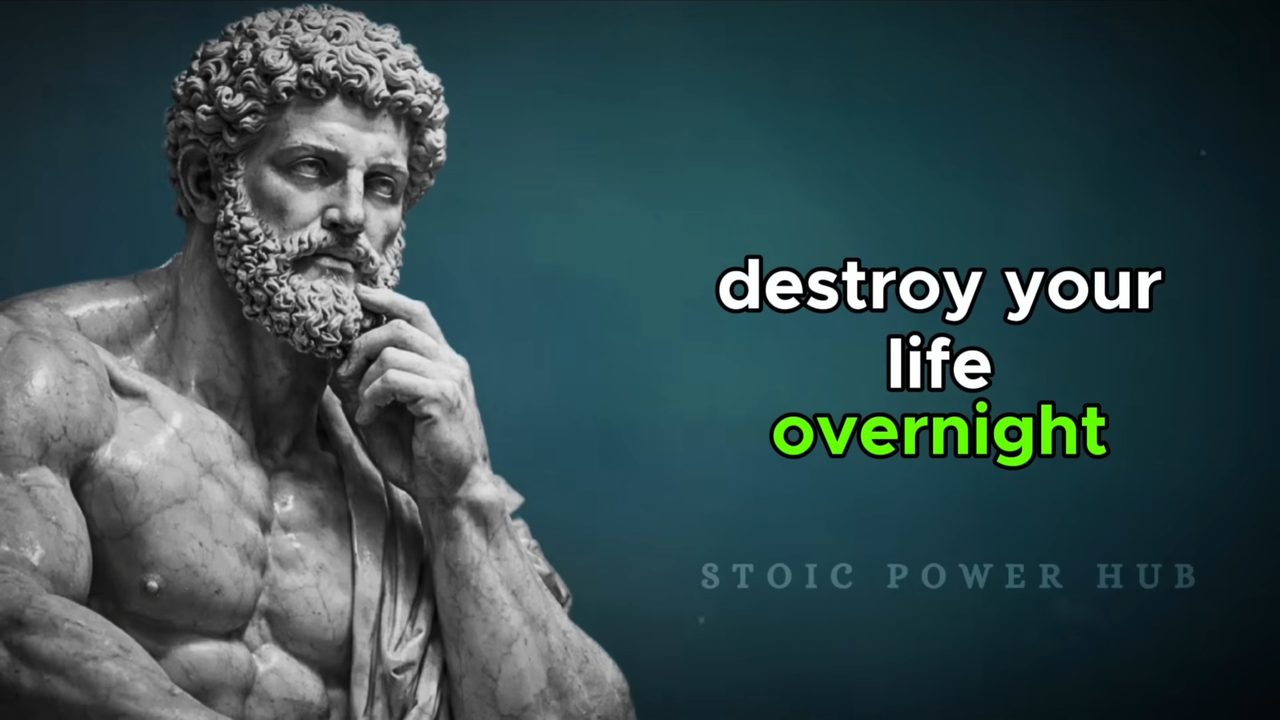

One piece of content — exported for every format and platform.
Wide for YouTube, vertical for Shorts / Reels / TikTok, square for the feed.
Go global with subtitles in 20+ languages.
RumLab extracts subtitles with high AI accuracy, timed to every word.




















Making faceless videos by hand eats your time.
Every video means hours of finding footage, typing subtitles, tuning timing, adding music, rendering. Multiply that by dozens of videos per channel — you burn out before you scale.
The old way
- Type subtitles by hand, time every line
- Assemble footage, add music and watermark over and over
- 2–4 hours per video, impossible to duplicate
- Pricey editing software with a month-long learning curve
With RumLab
- Subtitles generated and voice-synced automatically — 21 languages
- Auto footage / photo slideshows with built-in effects
- Run in batches — a whole folder of MP3s overnight
- Set up once, save per Channel — one click and it's done
A whole studio, wrapped in one button.
Every step of making a subtitled video is automated — you just pick the style.
Automatic subtitles
Turn speech into word-perfect subtitles in 21 languages — no typing.
Footage & slideshows
An auto-rotating footage library, or photo slideshows with crossfade + Ken Burns for static videos.
Text effects
Karaoke, typewriter, wave, pop, gradient — eye-catching subtitles that hold viewers.
Title screen intro
Auto-generate an intro with the video title, animation + xfade transition into the content.
Music visualizer
A spectrum that moves to the audio — bars, waves, circles, rainbow, placed however you like.
Overlays & background music
Watermark, Subscribe button (green-screen removed), background music, and 16:9 / 9:16 / 1:1 ratios.
Three steps, a whole channel done.
Drop in your MP3s
Drag a whole folder of audio (narration, audiobooks, voiced scripts) into the app.
Pick a Channel & style
Choose a saved preset: footage, font, effects, ratio, background music — all at once.
Run in batches
Press one button. RumLab renders them one by one and exports finished videos to your folder.
Simple pricing. Buy the plan you need.
Every plan unlocks all features — no watermark, unlimited videos, all effects. One account activates on one PC.
One PC · ≈ 366,000₫ / month
- All features, no watermark
- Unlimited batch rendering
- 21 languages · GPU · every ratio
- Free updates & support
- Everything in the 6-month plan
- Best value — ~7% cheaper than the 6-month package
- One year, worry-free
- Priority support
Need more than one PC?
Each account activates on one PC. Need more machines? Buy an extra license per PC — each additional PC gets 5% off.
Quick answers.
Both. Pick 16:9 for long-form, 9:16 for shorts/reels, or 1:1 — same workflow either way.
No. All you need is your audio and footage/photos. Subtitles, footage, effects, and rendering are all automatic.
Subtitles are generated automatically with speech recognition and timed word by word — that's what makes the karaoke and typewriter effects line up precisely with the voice.
Each account activates on one PC. Need more machines? Buy an extra license per PC — each additional PC gets 5% off.
RumLab is buy-to-use — no free trial. Choose the 6-month package (2.200.000₫) or the 12-month package (4.100.000₫). One account runs on one PC; each additional PC you buy gets 5% off. Your saved Channels and settings stay intact.
A desktop app for Windows. It scans your hardware and picks the right render mode (GPU or CPU) automatically.
Once you sign in, chat directly with the AI assistant right on the web for answers to any question about using the tool.
Ready to scale your channel?
Create your account and render your first video today.